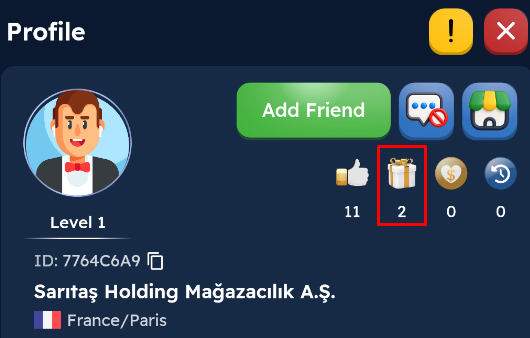
After clicking on a player's profile, you can send various gifts by clicking the Gift button. Each gift has a corresponding “reputation point.” You can view this point on the player's profile. As your reputation point increases, you gain progress in the Montly Reputation Target And you can win various rewards.
After clicking on a player's profile, you can send various gifts by clicking the Gift button. Each gift has a corresponding “reputation point” value. You can view this point on the player's profile. As your reputation points increase, you gain progress in the Montly Reputation Target And you can win various rewards.
1) Go to the profile of the player you want to send a gift to and click the Send Gift button.
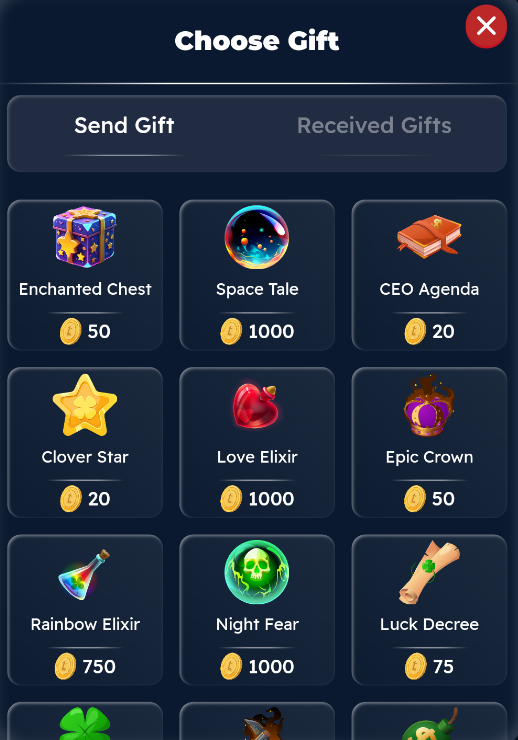
2) Select the gift you want to send.
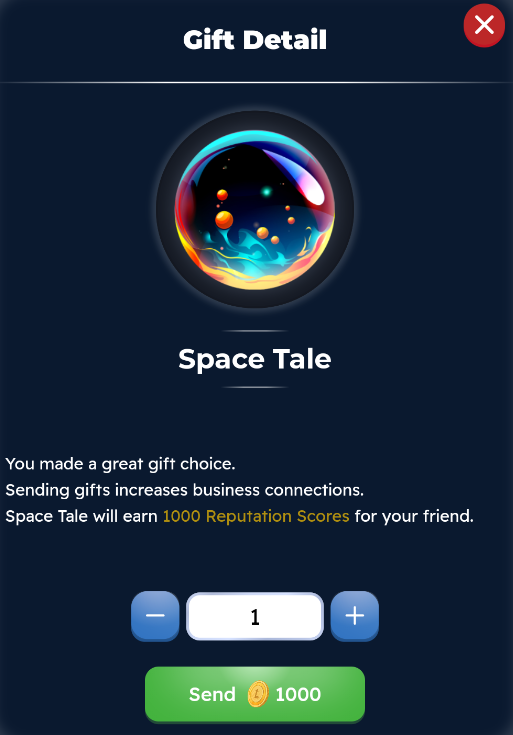
3) Enter the amount of the gift you wish to send and send the gift.
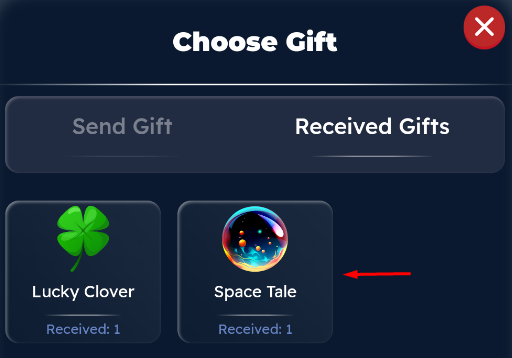
To view the gifts the player has received, you can click on the “Received Gifts” heading.